
Select image
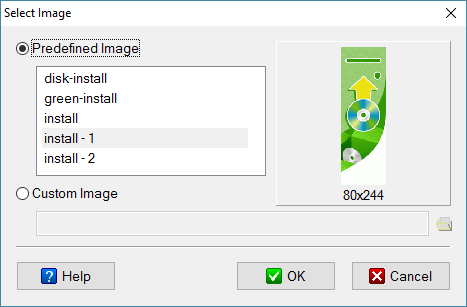
This dialog allows you to specify a BMP, JPG or GIF image.
Predefined Image
Images are included together with CreateInstall. Depending on their purpose, they may be in one of the following directories: res\leftimg\install, res\leftimg\uninstall, res\logo.
Custom Image
You can specify any image (gif, jpg, bmp file) on your computer.
c:\mypic\mylogo.gif
Select Image
Eonza automation software - free, open source cross-platform program for easy creation and management of scripts.