
EN RU
Log in
Home
Download
Purchase
Documentation
Support
Contact us
 
Help  /  Command Reference  /  Programming

Call function

Executes a function. The function must have earlier been defined with the command Function.

Description
Optionally, you may add comments here describing the purpose of this element.

Function name
The name of the function that you want to call. This function must be defined with the command Function.

myfunc
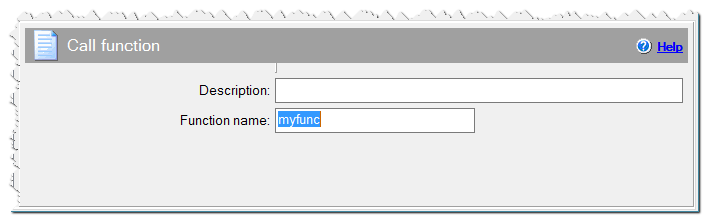
Call function command

If Condition
You can specify a condition that should be met for the action to be performed. If the condition is false then the command is skipped. See How to use If Condition for more details.

Eonza automation software - free, open source cross-platform program for easy creation and management of scripts.
  • Command Reference
    • Application
    • Dialogs
    • Files
    • Internet
    • Messages & Sound
    • Programming
      • Call function
      • Catch Exit
      • Notice
      • Sleep
      • Timeout
      • Exit/Reboot
      • For statement
      • Function
      • If statement
      • Source code
      • For statement with Split
      • While statement
    • Register DLL & Fonts
    • Registry & INI
    • System
    • Text Files
    • Uninstaller
    • Variables
Copyright © Novostrim, OOO, 2009-2026 All rights reserved.