
Sleep
The Sleep command suspends the execution of the installation until the time-out interval elapses. Specify the timeout in milliseconds. This command can be helpful when the installation is waiting for some events.
Description
Optionally, you may add comments here describing the purpose of this element.
Timeout (msec)
The time interval for which installation process is to be suspended, in milliseconds. Also, you can specify a variable name which contains the necessary timeout.
1000 // 1 second
mytimeout
#mytimeout#
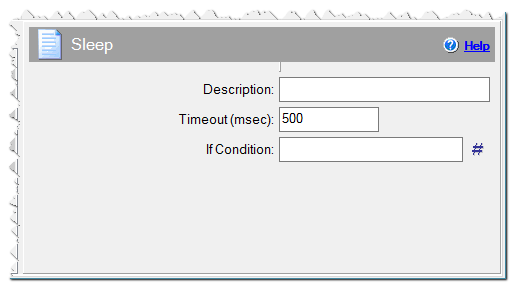
Sleep command
If Condition
You can specify a condition that should be met for the action to be performed. If the condition is false then the command is skipped. See How to use If Condition for more details.
Eonza automation software - free, open source cross-platform program for easy creation and management of scripts.