
Multi Build
The dialog window allows you to create installations with a certain set of global variables as well as installations for all sets of variables. The list of available installations is generated from the list specified on PreProcessor. Also, see How to create multiple setups from one project for more details.
Build Setup
By pressing this button, the installation for the current set of the variables is created.
Build All
By pressing this button, all installations in the list are created.
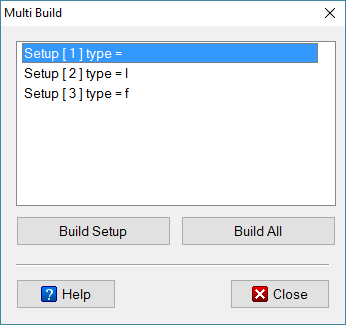
Multi Build Dialog
Eonza automation software - free, open source cross-platform program for easy creation and management of scripts.