
Shortcuts in CreateInstall Assistant
You can enter all shortcuts you will need to create during the installation on this page, as well as other parameters related to shortcuts.
Shortcuts Folder Name
By default all shorcuts are created in a folder with the name of your application in the Programs directory of the Start button. You can also enter a different name for the shortcut folder, and define subfolders.
My Shortcut Folder
My Company\My Application
Open Shortcut Folder
Check this box if you want the shortcut folder to open after the completion of your application's installation.
Add all necessary shortcuts into the table below. You can find a description of parameters for creating shortcuts on the command page Shortcut - Create .
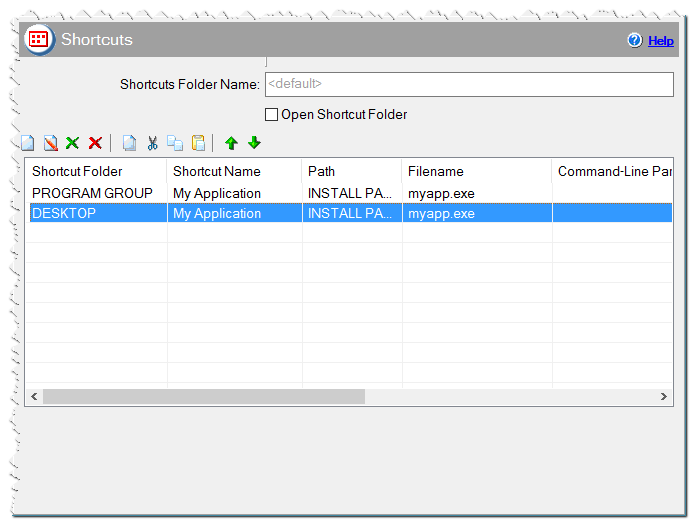
Shortcuts in CreateInstall Assistant installer
Eonza automation software - free, open source cross-platform program for easy creation and management of scripts.