
Create Uninstall & Update Exe
Creates the uninstall and update executable files. Don't disable this command. If you uncheck 'Include Uninstaller' and 'Include Updater' checkboxes then the command does nothing.
For Uninstall
You must check the 'Include Uninstaller' checkbox on Project - Uninstall. Also, you can specify the path and the name of the uninstall executable file there.
For Update
You must check the 'Include Updater' checkbox on Project - Update. Also, you can specify the path and the name of the update executable file there.
Description
Optionally, you may add comments here describing the purpose of this element.
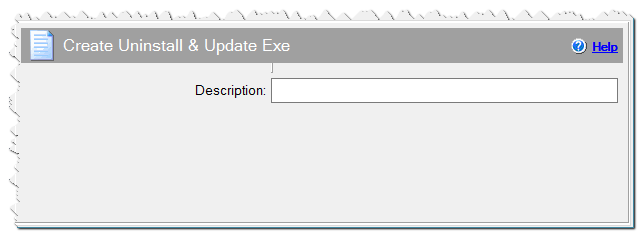
Create Uninstall & Update Exe command
Eonza automation software - free, open source cross-platform program for easy creation and management of scripts.